Cyberpunk Futuristic UI Pack for Designers
Unlock Sci-Fi Creativity with Customizable Interface Elements
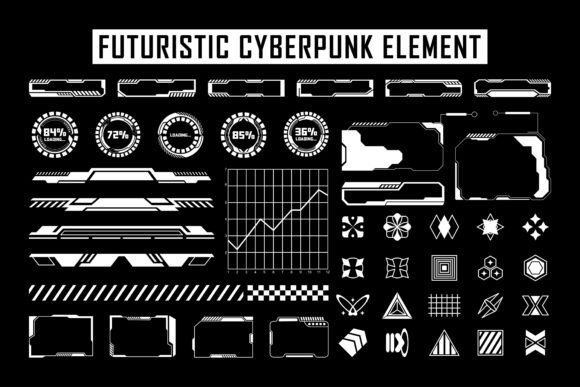
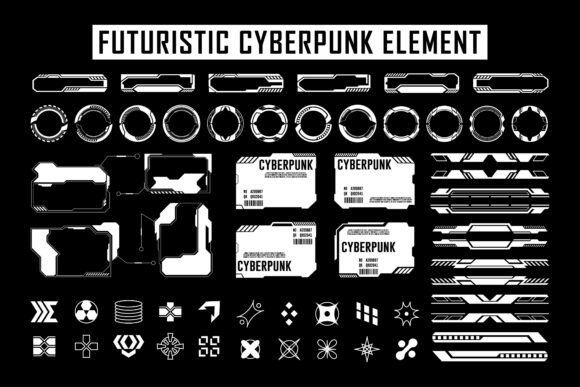
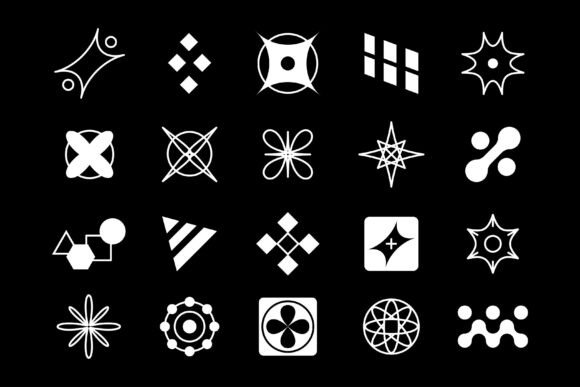
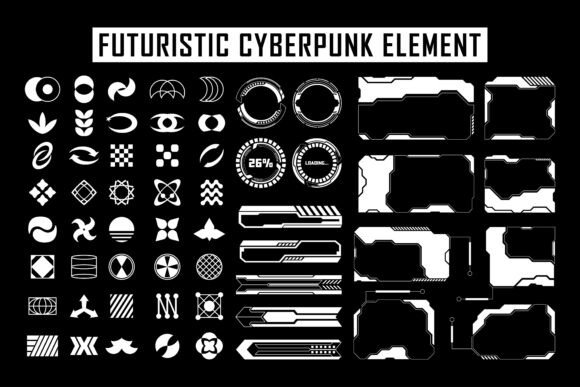
Designers and creators looking to push visual boundaries will find a powerful ally in the Cyberpunk Futuristic User Interface Pack. This collection of high-tech HUD elements, control panels, and digital overlays brings a vivid, immersive sci-fi aesthetic to any project. Whether you're building a game, designing a website, or crafting a digital presentation, these assets offer a ready-made foundation for futuristic visuals that captivate and engage.
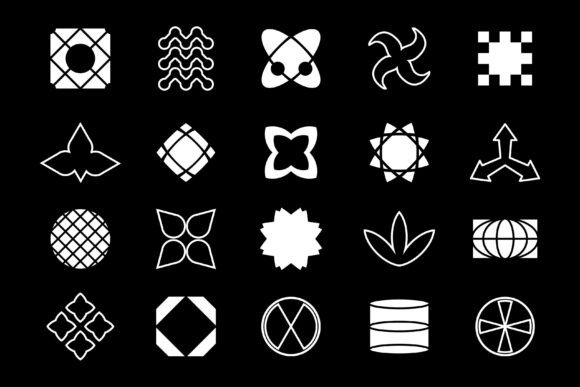
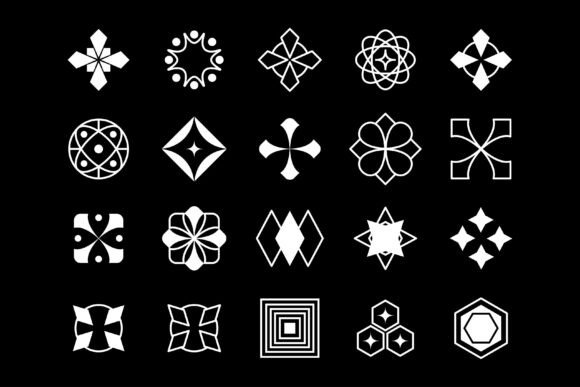
Each element in the pack is built with precision, featuring neon glows, geometric patterns, and layered transparency effects that evoke the essence of cyberpunk culture. The set includes vector and JPG files, making it easy to scale and adapt to different formats. With a vector editing application like Adobe Illustrator, you can modify colors, shapes, and details to match your specific design goals.
How to Access and Use the Files
The Cyberpunk Futuristic User Interface Pack comes compressed in a ZIP file. You can extract the contents using tools like WinZIP, WinRAR, or by simply double-clicking and selecting the "Extract" option. Once extracted, you'll find both vector (AI/SVG) and JPG versions of each design element. The vector files are ideal for customization, while the JPGs offer a quick and easy way to integrate into mockups or layered compositions.
Designers who work with Adobe Illustrator will appreciate the flexibility of the vector files, which allow for non-destructive editing. You can adjust stroke widths, change color schemes, and even combine multiple elements to create complex interfaces. This adaptability makes the pack suitable for a wide range of applications, from UI/UX mockups to digital art projects.
Creative Applications Across Industries
Whether you're a game developer, motion graphics artist, or web designer, this UI pack opens up a variety of creative paths. Here are some practical uses:
- Game Development: Use the HUD elements to build immersive in-game interfaces for sci-fi titles. Customize the panels to reflect different factions, tech levels, or alien cultures.
- UI/UX Design: Add a futuristic edge to web dashboards, mobile apps, or software interfaces. These elements work well in speculative design projects or concept prototypes.
- Motion Graphics: Integrate the designs into After Effects or Premiere Pro for animated titles, transitions, or data visualization sequences.
- Digital Art & Illustration: Layer the interface components into concept art or cyberpunk-themed illustrations to enhance the futuristic atmosphere.
- Pitch Decks & Presentations: Create high-impact slides for tech startups or creative proposals using the sleek, high-tech visuals.
Customization Tips for Maximum Impact
To get the most out of the Cyberpunk Futuristic User Interface Pack, consider these practical tips:
- Match the Color Scheme: While the default palette leans toward neon blues, purples, and greens, you can easily adjust the colors to fit your brand or theme using Illustrator's color tools.
- Layer for Depth: Combine multiple elements to create layered interfaces. Use blending modes like "Screen" or "Overlay" in Photoshop or Illustrator to simulate light effects.
- Adapt for Different Resolutions: Because the assets are vector-based, they scale without quality loss. Make sure to test how they look on different screen sizes if you're designing for mobile or web use.
- Integrate with Typography: Pair the interface elements with bold, sans-serif fonts to maintain a cohesive futuristic style. Avoid overly decorative fonts that may clash with the sleek lines of the UI.
- Keep It Readable: Even in a high-tech design, usability matters. Ensure that text and icons remain legible by adjusting contrast and spacing where needed.
Designing for Specific Audiences
One of the strengths of this UI pack is its versatility across audiences. Here's how different users can apply it effectively:
- Freelance Designers: Offer clients a fresh, cutting-edge look that sets their projects apart. Use the pack as a base for speculative design or as part of a larger UI/UX toolkit.
- Marketers & Bloggers: Create eye-catching social media templates, infographic overlays, or YouTube thumbnails that reflect a futuristic brand identity.
- Educators & Presenters: Use the interface elements to design engaging educational content or science-themed presentations that feel modern and dynamic.
- Entrepreneurs & Startups: Build pitch decks or product mockups that convey innovation and forward-thinking design. The cyberpunk aesthetic appeals to tech-forward audiences and investors.
- Hobbyists & Creators: Experiment with personal projects, digital art, or even cosplay-related graphics that incorporate the high-tech look.
Staying Original While Using Pre-Made Assets
Using a pre-made UI pack doesn't mean your designs have to look generic. To maintain originality:
- Mix and Match: Combine elements from different parts of the pack to create unique compositions.
- Add Custom Effects: Apply gradients, glows, or particle effects to personalize the interface elements and make them blend with your specific project style.
- Layer with Photography: Overlay the UI elements on top of urban or sci-fi photography to create depth and realism.
- Incorporate Animation: If you're working in motion design, animate the interface components to add dynamic energy to your visuals.
- Combine with Other Assets: Blend the cyberpunk UI with other design elements like grunge textures, digital noise, or minimalist shapes to create a hybrid style.
Conclusion: A Gateway to Sci-Fi Design Possibilities
The Cyberpunk Futuristic User Interface Pack is more than just a collection of stylish graphics—it's a toolkit for creators who want to explore the intersection of design, storytelling, and technology. Whether you're building a concept for a game, designing a digital product, or experimenting with visual art, these assets provide a strong foundation for your imagination to take flight.
By understanding how to extract, modify, and apply these elements effectively, you open up a world of creative potential. With the right approach, you can transform these futuristic designs into something uniquely yours—polished, purposeful, and powerfully engaging.